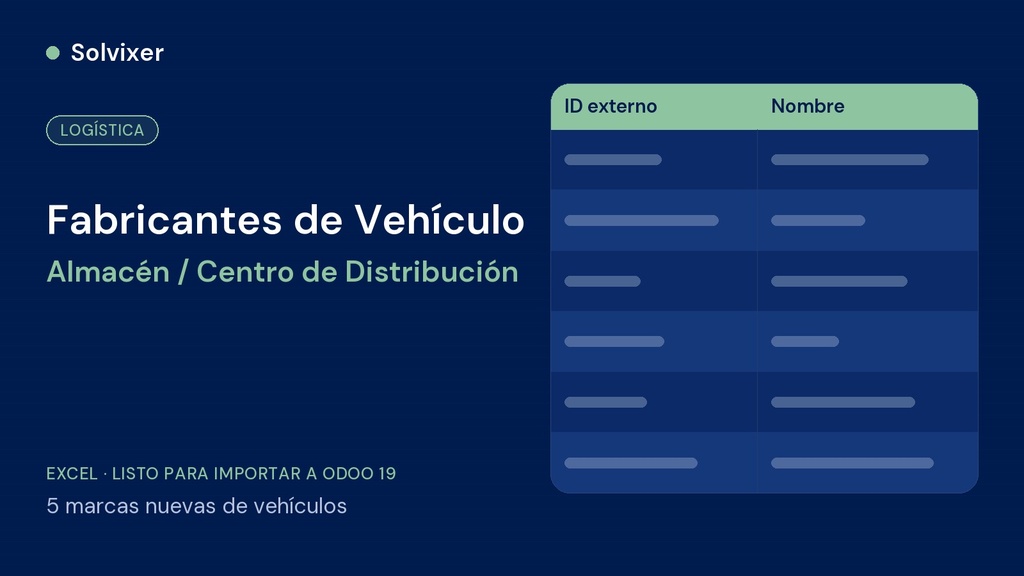
The 5 vehicle manufacturers missing from Odoo 19, ready to import in a single step — the first file of the fleet kit.
What it is
Excel file with 5 new manufacturers (Freightliner, Hino, Kenworth, Mack, International) to load into Fleet > Configuration > Manufacturers. Odoo 19 already includes 67 manufacturers, so this file only creates the missing brands.
What it includes
- Sheet Datos with the external ID and name of each manufacturer
- Sheet Léeme with the Odoo model and the instructions
Why the order matters
It is step 1 of 4: the vehicle models depend on these manufacturers. External IDs let you re-import the file without creating duplicates.
How to use
Open the corresponding list in Fleet, click Actions > Import records > Upload data file, choose the sheet Datos, check «Use first row as header», make sure each column is mapped to its field, click Test and then Import. Leave «When a value cannot be matched» on Prevent import.
Before importing
Requires Odoo 19 with the Fleet module installed. Always test first in a test database before loading into production.
This file is part of the Warehouse / Distribution Center fleet kit for Odoo 19. If you are going to set up the complete business, check the Complete Odoo Loading Kit or the Management Tool Warehouse / Distribution Center.