Skip to Content

Your suppliers, wholesale customers and carriers, already organized and ready to import — without creating contact by contact from the menu.

What it is

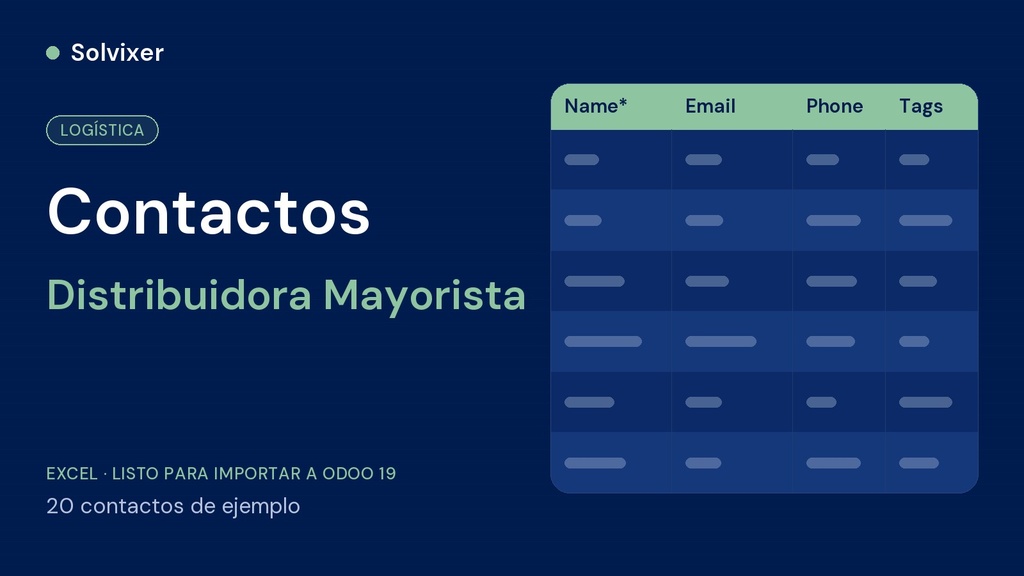
Template in Odoo's native import format with the base contacts of a wholesale distributor: goods suppliers, sample wholesale customers, and any network of carriers or partners you need, told apart from each other with Tags.

Why the order matters

This file is imported after Categories and before Products, because each product category needs to have its corresponding supplier ready in order to link them together.

How to use

Contacts > Import records. Tags are assigned automatically, ready to filter suppliers from customers from the start.


This file is part of the complete configuration method for Wholesale Distributor. If you are going to set up the complete business, check the Complete Odoo Loading Kit or the Management Tool Wholesale Distributor.