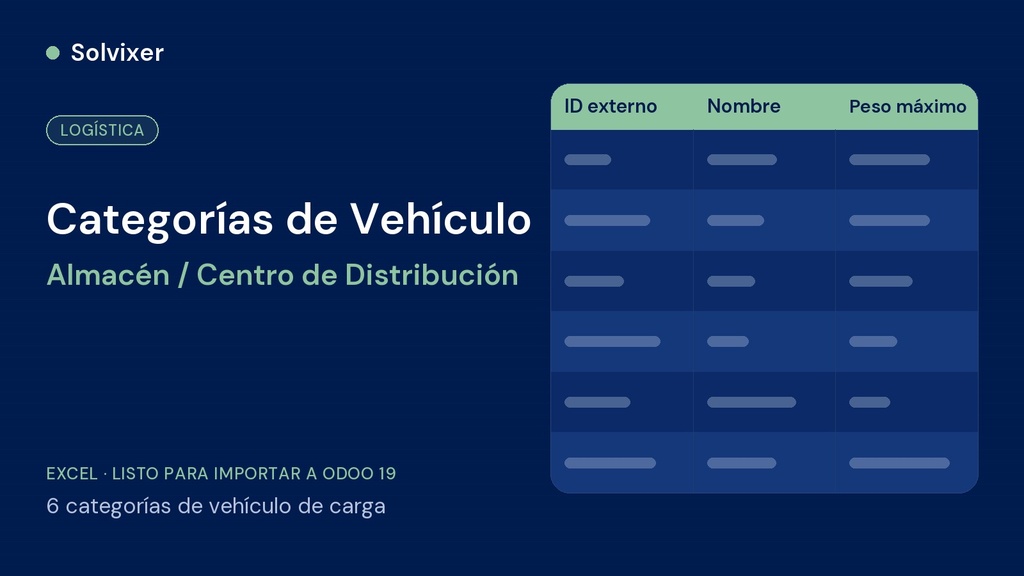
6 cargo vehicle categories, with their optional maximum capacity, ready to import — the second file of the fleet kit.
What it is
Excel file with 6 categories (FTL Nacional, Carga Refrigerada, Carga Extradimensionada, LTL / Consolidado, Última Milla, Transporte de Contenedores) to load into Fleet > Configuration > Vehicle categories.
What it includes
- Sheet Datos with the external ID and name of each category
- Sheet Capacidad_Opcional with the maximum weight of each category (requires the Inventory module installed)
- Sheet Léeme with the Odoo model and the instructions
Why the order matters
It is step 2 of 4: vehicle models are linked to these categories. Do not change the external IDs, because the models file uses them.
How to use
Open the corresponding list in Fleet, click Actions > Import records > Upload data file, choose the sheet Datos, check «Use first row as header», make sure each column is mapped to its field, click Test and then Import. Leave «When a value cannot be matched» on Prevent import.
Before importing
Requires Odoo 19 with the Fleet module installed. Always test first in a test database before loading into production.
This file is part of the Warehouse / Distribution Center fleet kit for Odoo 19. If you are going to set up the complete business, check the Complete Odoo Loading Kit or the Management Tool Warehouse / Distribution Center.