Multi-Branch Contacts
Download available once your purchase is confirmed.
Excel files to import into Odoo 19.
Want us to implement it for you? Pay only for the implementation
Your suppliers and customers, already organized and ready to import — shared across all your branches from a single system.
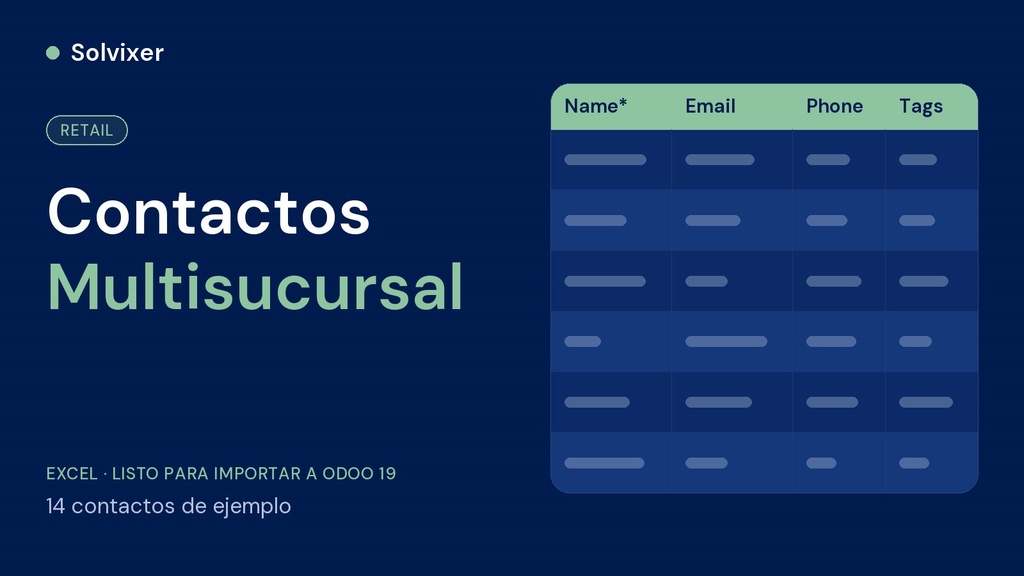
Template in Odoo's native import format with the base contacts of a multi-branch chain: one supplier for each product category, sample customers, and any network of partners you need, told apart from each other with Tags.
This file is imported after Categories and before Products, because each product category needs to have its corresponding supplier ready in order to link them together.
Contacts > Import records. Tags are assigned automatically, ready to filter suppliers from customers from the start, in any branch.
This file is part of the complete configuration method for Multi-Branch. If you are going to set up the complete business, check the Complete Odoo Loading Kit or the Management Tool Multi-Branch.