Everything you need to get a multi-branch business up and running in Odoo, without starting from scratch.
What it includes
- Multiple warehouses and locations with real-time visibility from a single system
- Comparable sales reports by branch and point of sale, all centralized
- Controlled internal transfers between warehouses, with complete traceability of each transfer
- Multiple points of sale connected to the same central system, with consolidated reports
Why it is useful to you
This tool includes the complete functional setup — not just the catalog, but the system at work: you know what you have available at each branch without picking up the phone, you know which branch sells the most or which one needs help, you always know what merchandise moved between branches and when, and you have a consolidated view of your entire business in one place.
Ideal for chains of two or more branches that want to stop operating each location separately and move to a real, centralized system, without months of implementation.
See what's inside
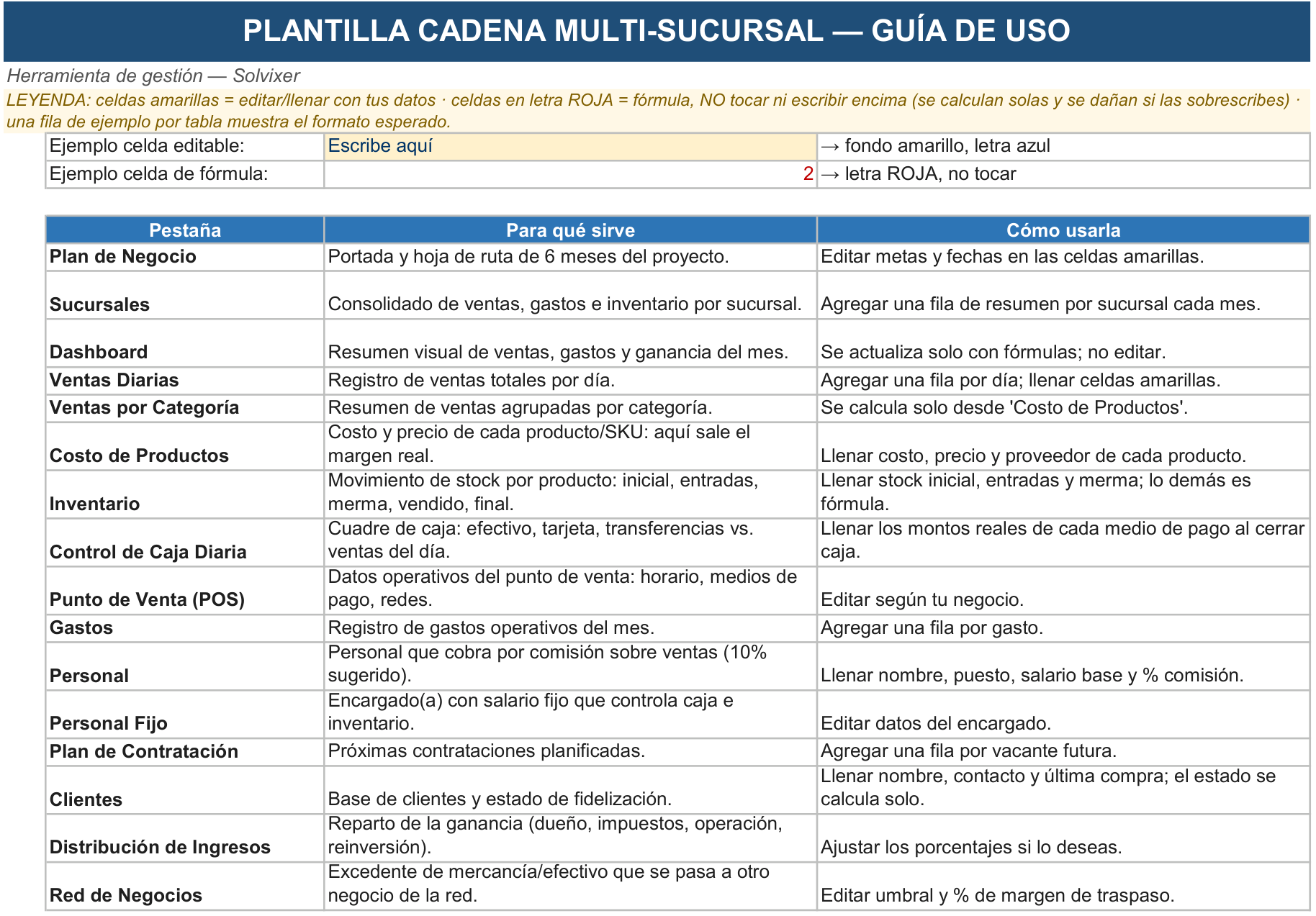
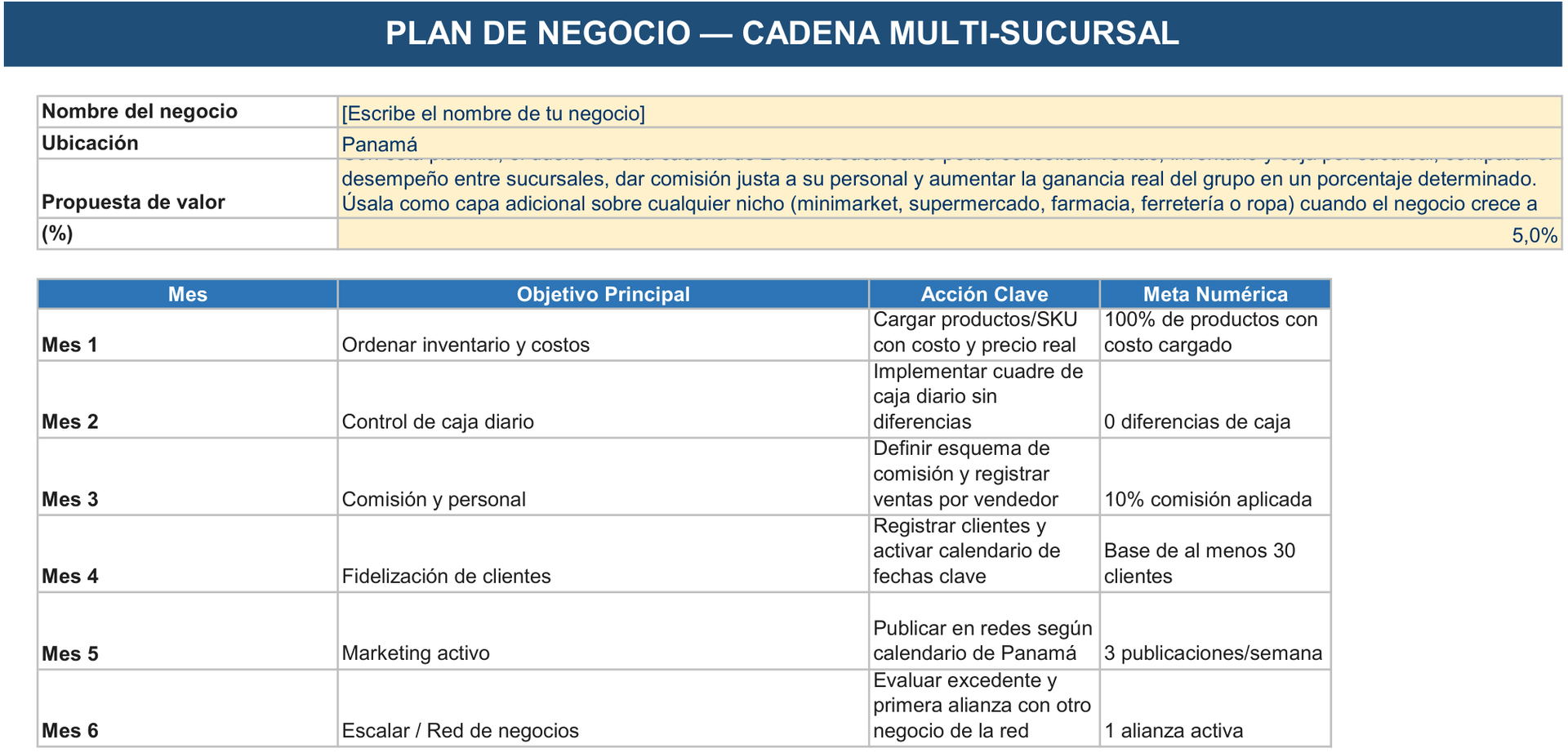
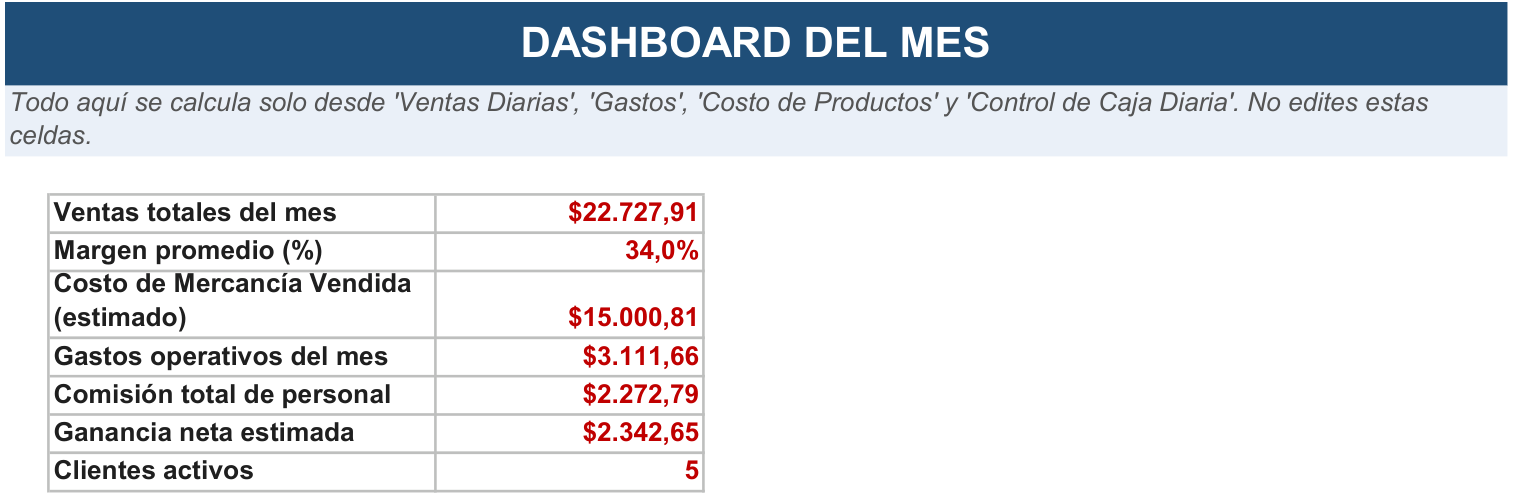
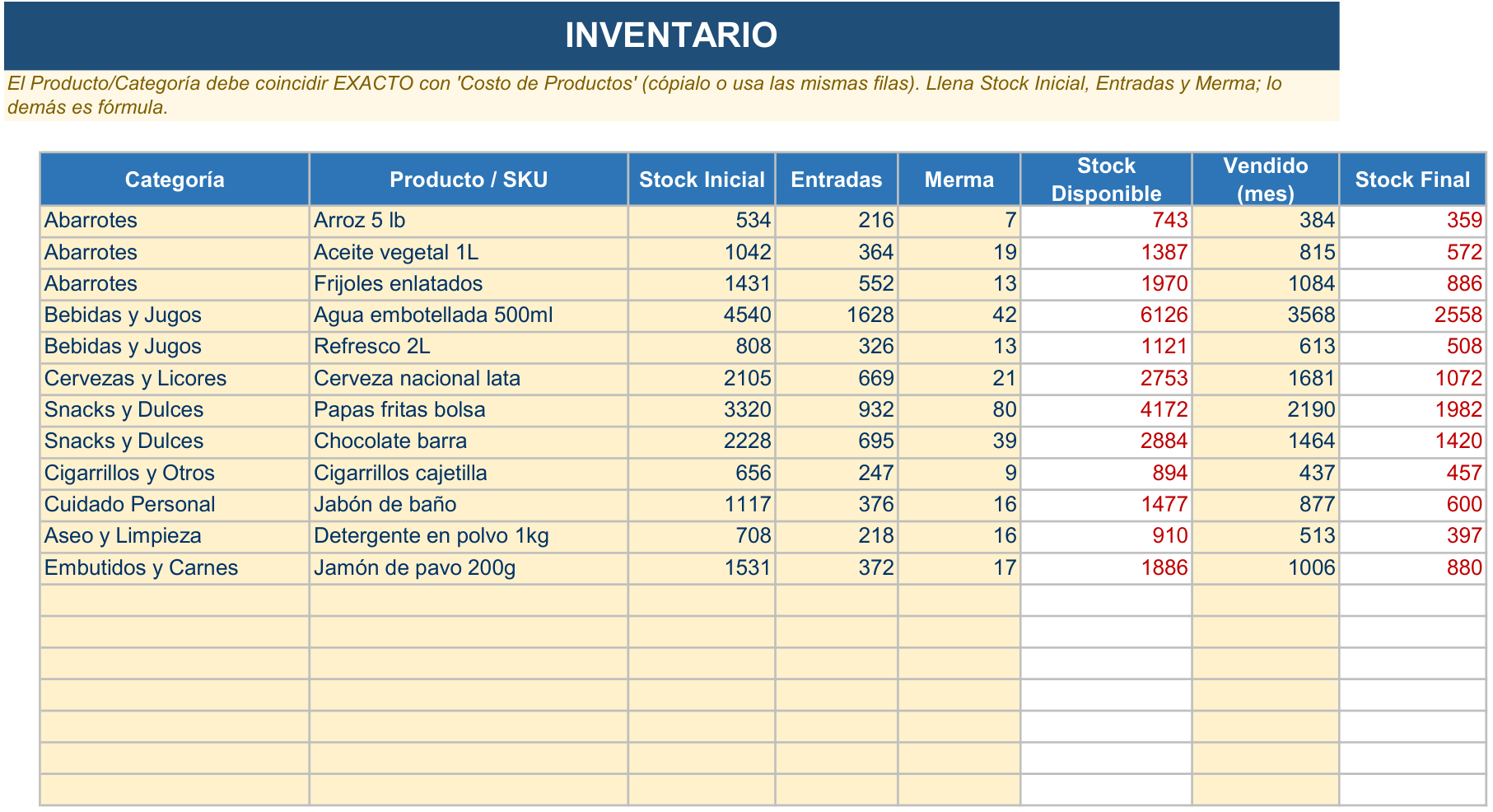
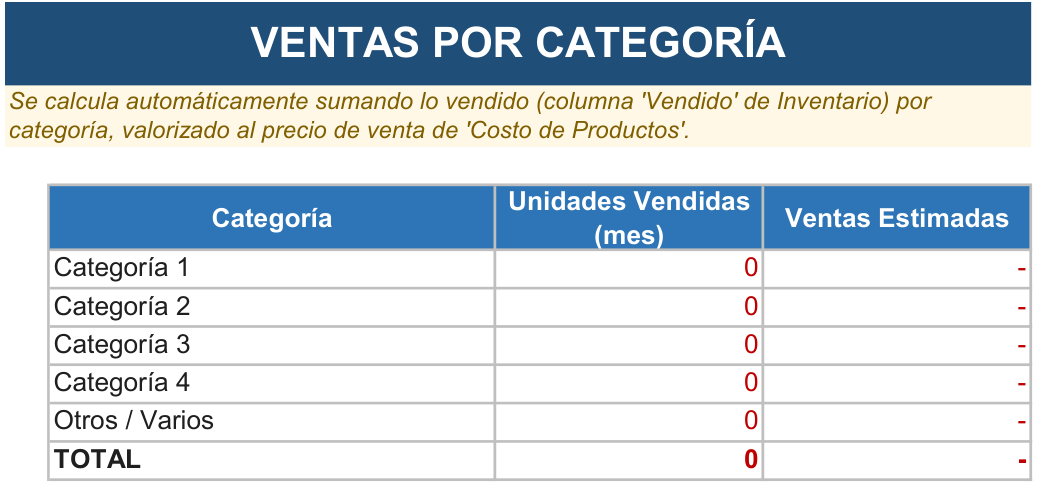
Five of the tool's sheets, just as you receive them. The data you see is sample data.