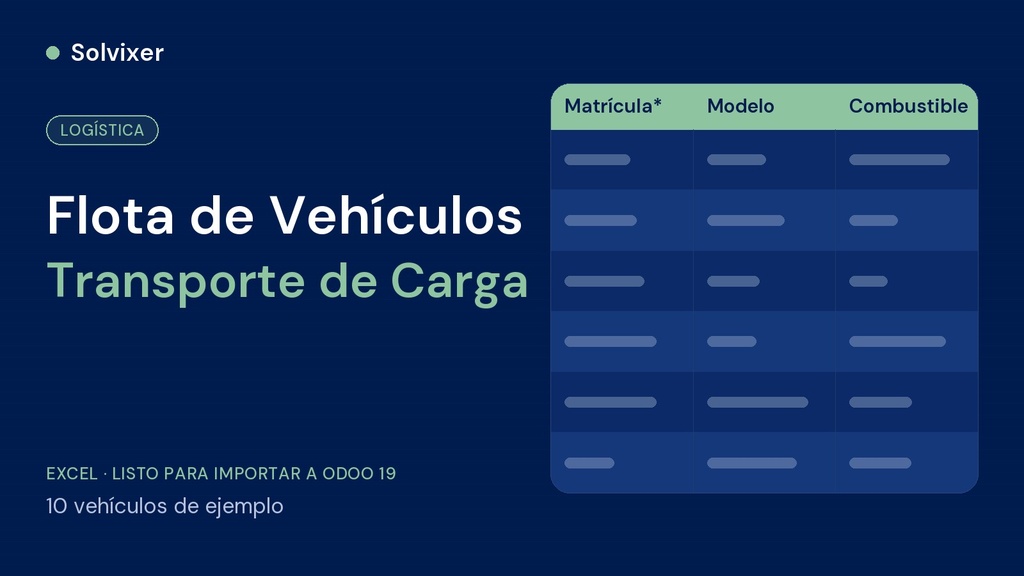
A demo fleet of 10 vehicles to see the Fleet module working from day one — the fourth and last file of the fleet kit.
What it is
Excel file with 10 sample vehicles (license plate, model, fuel type and location) to load into Fleet > Fleet. Use it to test the module and as a template for your real fleet.
What it includes
- Sheet Datos with license plate, model, fuel type and location (the base yard or terminal) of each vehicle
- Sheet Campos_Opcionales with operating status and maintenance mileage (requires custom fields, with Odoo Studio or your own module)
- Sheet Léeme with the technical names and the instructions
Why the order matters
It is step 4 of 4 and requires having loaded the vehicle models first.
How to use
Open the corresponding list in Fleet, click Actions > Import records > Upload data file, choose the sheet Datos, check «Use first row as header», make sure each column is mapped to its field, click Test and then Import. Leave «When a value cannot be matched» on Prevent import.
Before importing
The license plates are fictitious: delete them before loading your real fleet. Requires Odoo 19 with the Fleet module installed. Always test first in a test database before loading into production.
This file is part of the Freight Transport fleet kit for Odoo 19. If you are going to set up the complete business, check the Complete Odoo Loading Kit or the Management Tool Freight Transport.