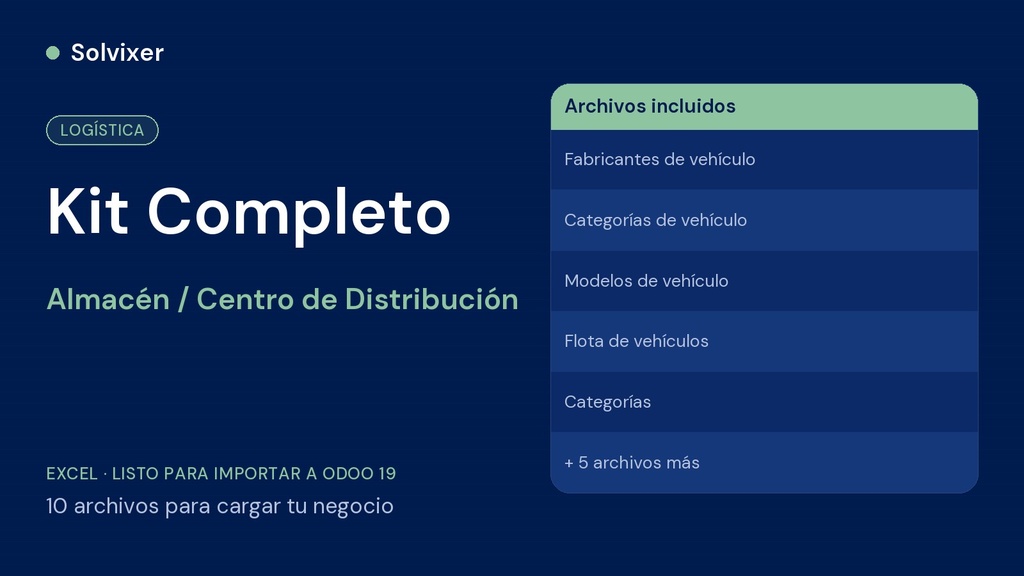
The 10 files of the complete method in one place — categories, contacts, products, chart of accounts, employees, spare parts and the fleet kit (manufacturers, vehicle categories, models and vehicles), with import guide, ready to set up your warehouse or distribution center in Odoo 19 from end to end.
What it includes
- Product categories
- Contacts (suppliers, customers and carriers)
- Product catalog with cost, price and stock
- Mirror chart of accounts by category
- Employees
- Spare parts inventory
- Fleet kit: manufacturers, vehicle categories, models and a demo fleet
- Step-by-step import guide (PDF)
Why the complete kit is worth it
Buying the files separately costs you the same or more, and you have to remember the order of each one. Here they all come together, in the right import order, ready to load your entire operation at once.
How to use
Import each file into its module, in this order: Categories > Contacts > Products > Chart of Accounts > Employees > Spare Parts Inventory and, for the fleet, Manufacturers > Vehicle categories > Models > Vehicles. Then follow the setup guide to get your operation ready.
Before importing
Requires Odoo 19 with the Fleet module installed. Always test first in a test database before loading into production.
This file is part of the Warehouse / Distribution Center fleet kit for Odoo 19. If you are going to set up the complete business, check the Complete Odoo Loading Kit or the Management Tool Warehouse / Distribution Center.