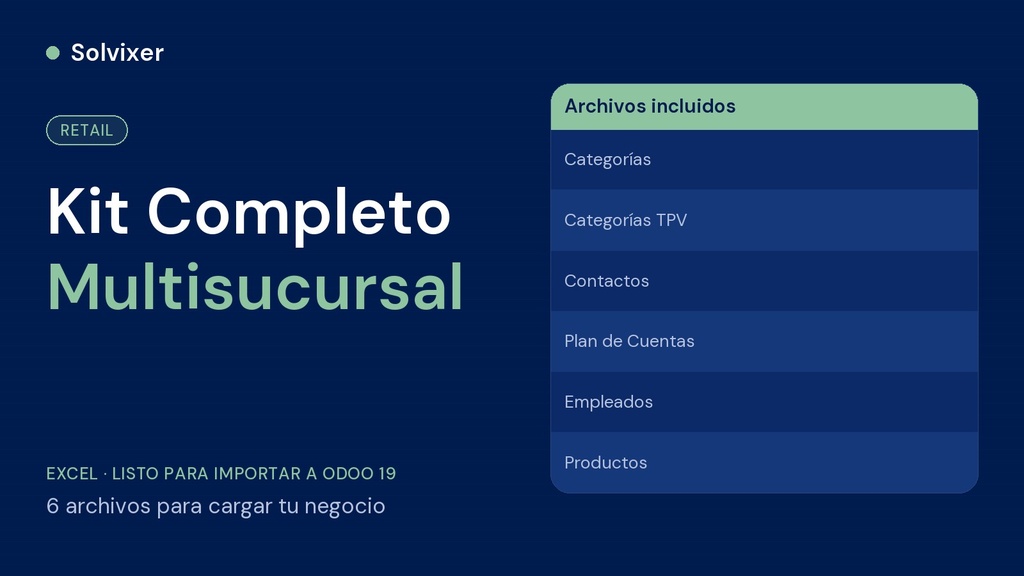
The 6 files of the complete method in one place — categories, contacts, products, chart of accounts, employees and POS categories, ready to set up your multi-branch chain in Odoo from end to end.
What it includes
- Product categories
- Contacts (suppliers and customers)
- Product catalog with cost, price and stock
- Mirror chart of accounts by category
- Employees by branch
- Point of Sale categories
- Step-by-step import guide (PDF)
Why the complete kit is worth it
Buying the 6 files separately costs you the same or more, and you have to remember to put each one together. Here they all come together, in the right import order, ready to load your entire chain at once.
How to use
Import each file into its corresponding module, in this order: Categories > Contacts > Products > Chart of Accounts > Employees > POS Categories. Then follow the setup guide (second branch as a new warehouse, bulk category assignment, inventory valuation, account linking, employee PINs, POS visibility and payment methods) to get your chain ready to sell.